D5 Render PRO- New 1-Year Annual Subscription

Windows only. Requires DXR / RTX compatible GPU
Good for individual designers, visualizers, architects, and small groups of 1–3 users. It includes advanced features like widgets and more assets

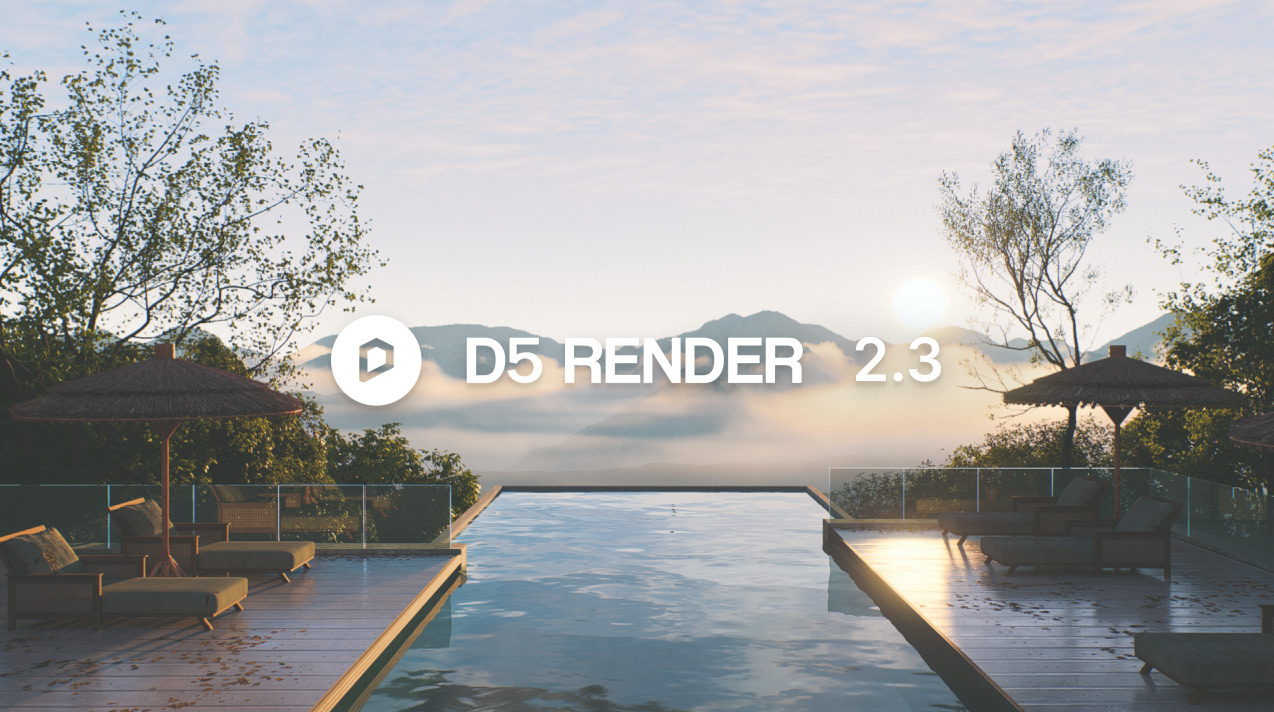
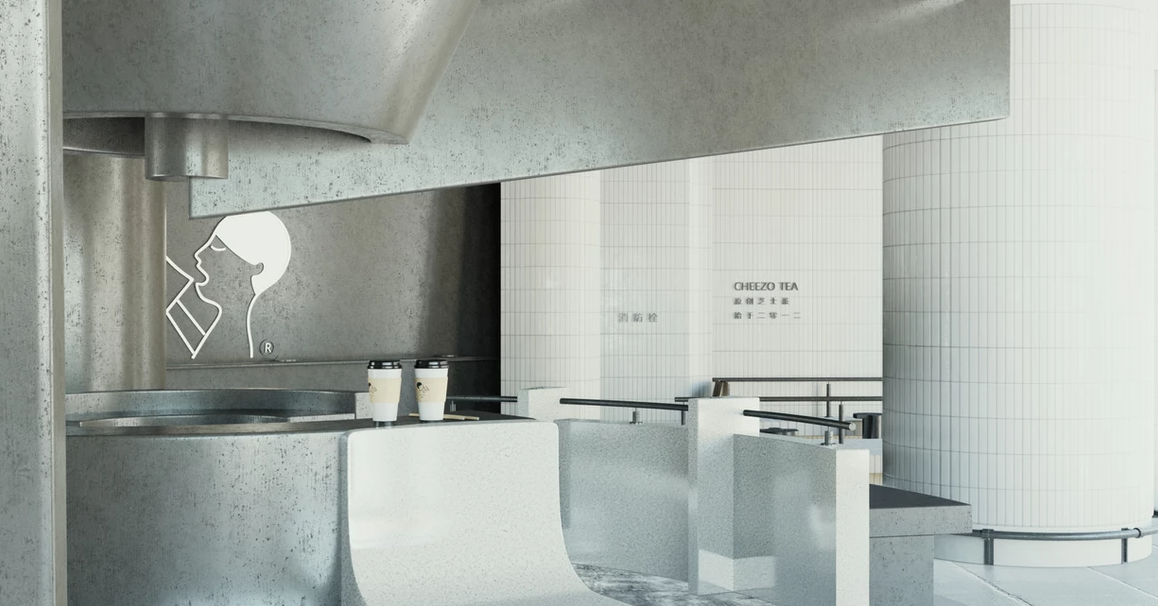
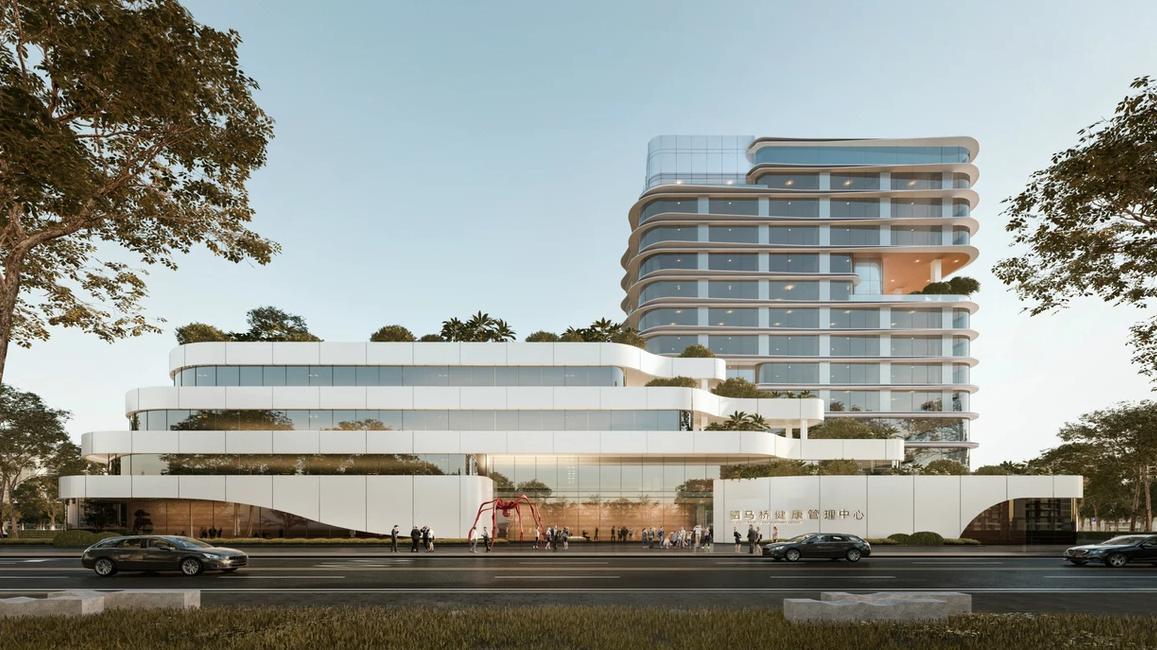
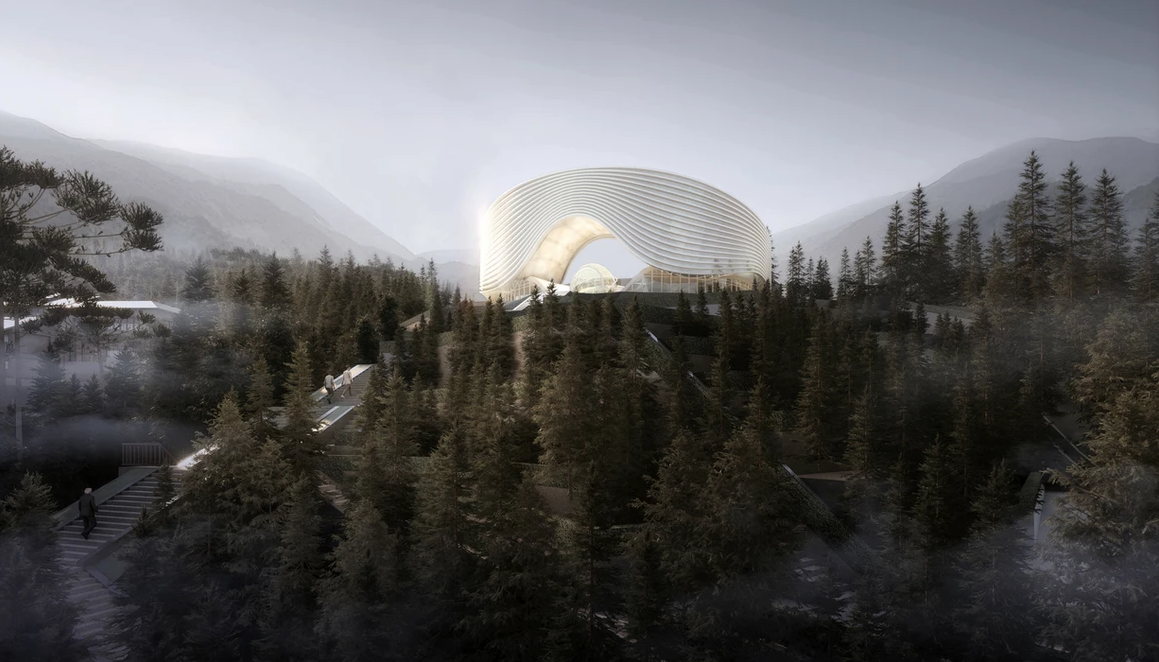
Annual subscription. For individual designers. Compatible with SketchUp, 3Ds Max, Revit, Rhino, Archicad, Blender. Create photo-realistic visuals in minutes with Real-time Rendering.
====================================================================
PRO NEW in D5 2.11 FEATURES
This version focuses on AI-powered tools, workflow improvements, and new features for architectural visualisation and team collaboration.
New AI-powered features
- AI Agent (SmartPlanting): An AI assistant that generates site-specific landscape designs based on location, climate, and desired style (e.g., minimalist or sustainable).
- AI PBR Material Snap: Allows users to generate ready-to-use Physically Based Rendering (PBR) textures by sampling from any uploaded image. The AI can also recommend matching materials from the D5 asset library.
- Enhanced AI Atmosphere Match: Uses an upgraded AI model trained on professional photography to produce more accurate and customizable atmospheric lighting and effects.
- D5 Bot: An integrated AI assistant for getting instant help, tutorials, and troubleshooting right within the software.
Rendering and precision upgrades
- Real-Time Path Tracing (RTPT): Upgraded from alpha to the official default global illumination solution. It provides more accurate, high-quality lighting, shadows, and reflections directly in the viewport, which closely matches the final render output.
- Parallel Projection: A new feature that allows for creating precise, customizable orthographic views, such as plans, elevations, sections, and axonometrics, with stylized effects like ambient occlusion and outlines.
- Disc Light: A new light source that simulates a circular planar light for soft, even illumination. It also supports IES profiles for precise photometric lighting.
- Align Views Tool: Instantly aligns the camera view to be perpendicular to any selected surface for quick and accurate positioning.
Advanced toolset and workflow improvements
- Advanced Brush: An upgraded brush tool for more efficient procedural content generation (PCG). Users can now paint, scatter, and adjust vegetation and other assets with more control over density, scale, and area division.
- Custom Path Tool: Enables users to place and arrange any asset along a drawn path, with customizable settings for spacing, rotation, and model variation. This is useful for streetscapes, fences, and planting layouts.
- Scene List Grouping: Allows for organizing projects more efficiently by creating collapsible groups for shots and scenes, making it easier to manage complex projects.
- D5 Launcher: A redesigned hub that centralizes access to D5 Render, D5 Lite, sync plugins, and other tools. It minimizes to the system tray to stay accessible without interrupting the creative flow.
Team and collaboration features (Not included in PRO)
- Cesium Integration: Exclusive to the D5 Teams version, this feature integrates geolocated 3D environments from Cesium, allowing users to import real-world terrain and site data.
- XR Tour: A service for D5 Teams that creates immersive, shareable online 3D models using Gaussian Splatting for virtual walkthroughs.
- 6K/8K Video Output: Teams users can now export high-resolution video for client presentations.
- Optimized LiveSync: Sync plugins for software like SketchUp, 3ds Max, Blender, and ArchiCAD have been updated to support new features like Parallel Projection and Disc Lights.
====================================================================
D5 Render Pro (Individual Plan)
- Single-user licence tied to one account (install on multiple machines, but only one active user).
- Local projects only – manual sharing of files between users.
- No built-in team management or member permissions.
- Standard cloud access for asset downloads only (no shared workspace).
- Lower subscription cost per seat than Teams.
D5 Render Teams (Collaboration Plan)
Includes every Pro feature, plus:
- Simultaneous editing – multiple members can work on the same scene/project in real time.
- Team cloud workspace – 100 GB shared cloud storage for scenes, assets, and presets.
- Shared team library – centralised assets, materials, and style presets for consistent output across projects.
- Team management dashboard – add/remove members, assign seats, and control permissions.
- Version control & auto-sync for projects stored in the team workspace.
- Access to Cesium integration (real-world terrain and GIS data) and XR Tour for VR/interactive presentations.
- Higher limits on video output resolutions and frame rates for professional cinematic work.
- Pricing is per seat and higher than Pro, reflecting collaboration and cloud services.